 EN
EN

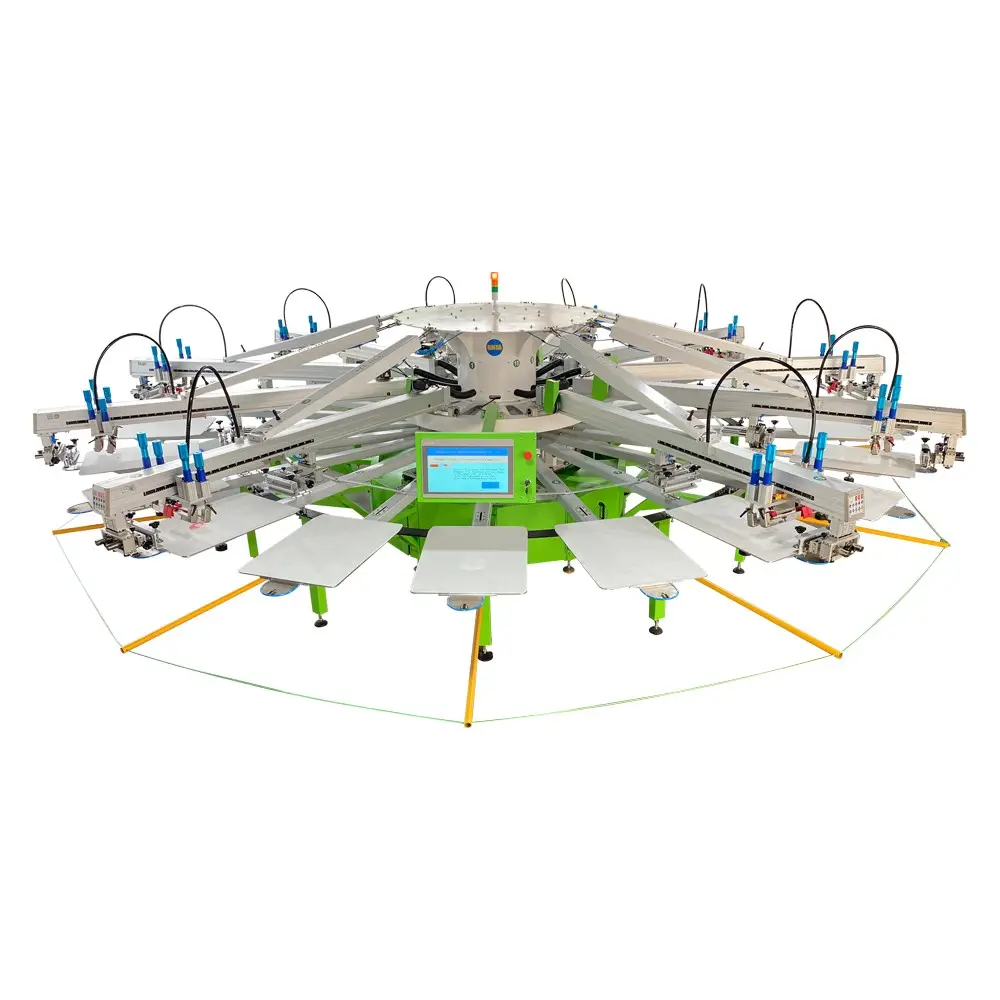
Creating your own printing screen opens up endless possibilities for custom designs, artwork reproduction, and professional screen printing projects. Whether you're a beginner exploring the craft or an experienced printer looking to optimize your process, understanding how to construct a high-quality printing screen is fundamental to achieving professional results. The process involves selecting appropriate materials, proper tensioning techniques, and understanding the relationship between mesh count and print quality. A well-constructed printing screen serves as the foundation for crisp, clean prints that meet industry standards while providing the durability needed for multiple print runs.
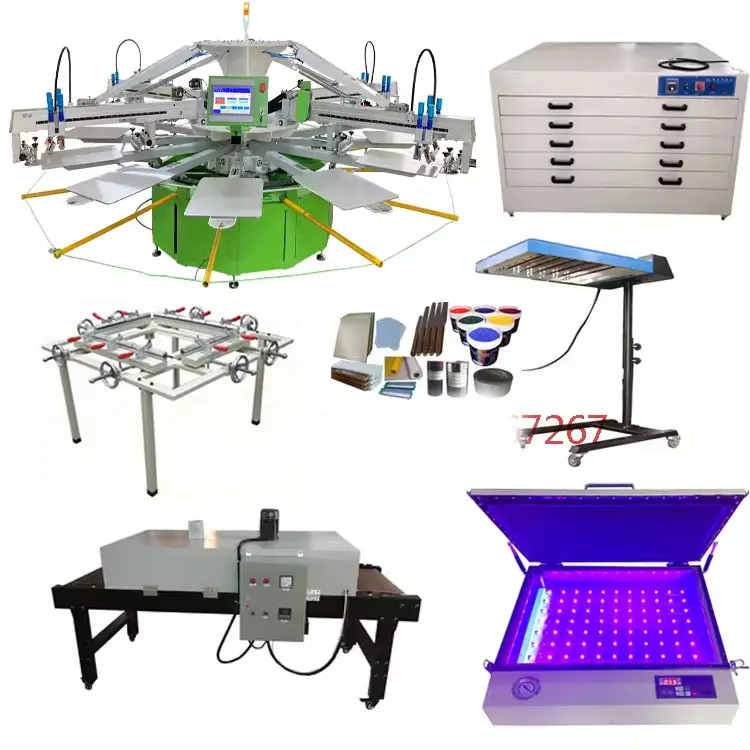
Essential Materials and Components for Screen Construction
Frame Selection and Preparation
The frame serves as the structural foundation of your printing screen, and selecting the right material is crucial for long-term performance. Aluminum frames are preferred by professionals due to their lightweight nature, corrosion resistance, and ability to maintain consistent tension over time. Wood frames, while more affordable, can warp with humidity changes and may not provide the stability required for high-volume printing operations. When preparing your frame, ensure all surfaces are clean and free from oils or debris that could compromise mesh adhesion.
Proper frame sizing depends on your intended print area and press configuration. The frame should extend at least three inches beyond your design area on all sides to accommodate proper squeegee movement and ink flow. Standard frame depths range from 1.5 to 2 inches, with deeper frames providing better ink reservoir capacity for longer print runs. Before proceeding with mesh attachment, inspect your frame for any sharp edges or imperfections that could damage the mesh during installation or printing.
Mesh Selection and Specifications
The mesh selection process directly impacts your printing screen performance and final print quality. Mesh count, measured in threads per inch, determines the amount of ink that passes through the screen during printing. Lower mesh counts (110-160) work well for bold graphics and thick ink deposits, while higher mesh counts (200-400) are ideal for fine detail work and halftone printing. Polyester mesh is the industry standard due to its chemical resistance, dimensional stability, and ability to maintain tension over extended use.
When selecting mesh, consider the ink type and substrate you'll be printing on. Water-based inks typically require higher mesh counts to prevent bleeding, while plastisol inks work effectively with medium mesh counts. The mesh color also plays a role in photoemulsion exposure, with white mesh providing better light transmission for stencil creation and orange or yellow mesh reducing light scatter for improved stencil definition during exposure processes.
Step-by-Step Screen Assembly Process
Mesh Stretching and Tensioning
Proper mesh tensioning is critical for creating a professional printing screen that delivers consistent results. Begin by cutting your mesh approximately four inches larger than your frame on all sides to provide adequate material for stretching. Use a tension meter to monitor mesh tension throughout the process, aiming for optimal tension levels specific to your mesh count and intended application. The tensioning process should be gradual and even to prevent mesh distortion or premature failure.
Professional screen makers often use pneumatic stretching systems for consistent results, but manual stretching can be equally effective with proper technique. Start by securing one edge of the mesh to the frame using screen printing tape or staples, then gradually work your way around the frame in opposing directions. This cross-pattern approach ensures even tension distribution and prevents the mesh from pulling away from the frame during printing. Monitor tension levels frequently and make adjustments as needed to achieve the desired specification.
Adhesive Application and Curing
The adhesive bond between mesh and frame determines the longevity and reliability of your printing screen. Screen printing adhesives are specially formulated to create strong, flexible bonds that can withstand the mechanical stress of repeated squeegee passes. Apply adhesive in a thin, even layer along the frame edge where the mesh contacts the surface, ensuring complete coverage without excess buildup that could create uneven surfaces.
Allow the adhesive to cure according to manufacturer specifications before removing temporary fasteners or proceeding with screen preparation. Proper curing ensures maximum bond strength and prevents mesh separation during high-volume production runs. Some adhesives require heat curing, while others cure at room temperature over extended periods. Understanding these requirements prevents premature screen failure and ensures consistent performance throughout the screen's service life.
Screen Preparation and Coating Techniques
Degreasing and Surface Preparation
Before applying photoemulsion or other stencil materials, your printing screen must be thoroughly degreased to ensure proper adhesion. Commercial degreasers remove manufacturing oils, fingerprints, and other contaminants that could cause stencil failure or uneven coating application. Apply degreaser using a soft brush or cloth, working from the center of the screen outward to prevent contamination of clean areas.
Rinse the printing screen thoroughly with clean water after degreasing, removing all chemical residues that could interfere with photoemulsion adhesion. Use lint-free cloths or air drying to prevent fiber contamination on the mesh surface. Some printers prefer to use a mild abrasive paste during degreasing to create microscopic texture that enhances mechanical adhesion between the mesh and photoemulsion coating.
Photoemulsion Coating Application
Photoemulsion coating transforms your printing screen into a stencil-making tool capable of reproducing detailed artwork with precision. Mix photoemulsion components according to manufacturer instructions, ensuring complete integration without introducing air bubbles that could cause coating defects. Use a scoop coater sized appropriately for your frame width to achieve consistent coating thickness across the entire screen surface.
Apply photoemulsion in thin, even coats using smooth, controlled movements to prevent streaking or uneven thickness. Most applications require coating both sides of the screen, with the squeegee side receiving a slightly thicker application to compensate for mesh texture. Allow the coated printing screen to dry in a dark environment at controlled temperature and humidity levels to prevent premature exposure or coating defects that could compromise stencil quality.
Quality Control and Testing Procedures
Tension Verification and Adjustment
Regular tension testing ensures your printing screen maintains optimal performance characteristics throughout its service life. Use a calibrated tension meter to measure mesh tension at multiple points across the screen surface, documenting readings for future reference. Tension variations exceeding manufacturer specifications indicate potential problems that could affect print quality or screen longevity.
When tension levels fall below acceptable ranges, evaluate whether re-tensioning is possible or if screen replacement is necessary. Gradual tension loss is normal over time, but sudden drops often indicate mesh damage or adhesive failure. Maintaining proper tension records helps identify patterns and optimize screen construction techniques for improved performance and extended service life.
Print Quality Assessment
Test printing reveals how well your printing screen performs under actual production conditions. Conduct test prints using your intended ink and substrate combination to evaluate coverage, detail reproduction, and overall print quality. Pay attention to edge definition, ink density uniformity, and any signs of mesh marking or interference patterns that could affect final product appearance.
Document test results including print settings, ink consumption, and any adjustments needed to achieve desired results. This information proves valuable for future screen construction projects and helps establish standard operating procedures for consistent quality. A well-constructed printing screen should produce clean, sharp prints with minimal setup adjustments and maintain performance throughout extended print runs.
Maintenance and Troubleshooting
Regular Cleaning and Care
Proper maintenance extends the life of your printing screen and ensures consistent performance across multiple projects. Clean screens immediately after use to prevent ink from curing in the mesh openings, which can permanently block areas and affect print quality. Use appropriate cleaning solvents based on your ink type, following safety procedures to protect both the screen and operator health.
Store screens in vertical racks or protective cases to prevent mesh damage from contact with hard surfaces. Avoid stacking screens directly on top of each other, as this can cause mesh distortion or photoemulsion damage. Regular inspection for small holes, mesh wear, or frame damage allows for timely repairs before problems affect print quality or require complete screen replacement.
Common Issues and Solutions
Mesh breakthrough typically occurs from excessive squeegee pressure, worn squeegee blades, or mesh fatigue from extended use. Address this issue by adjusting print parameters, replacing worn components, or constructing a new printing screen if mesh integrity is compromised. Preventive measures include regular squeegee maintenance and monitoring print pressure to avoid unnecessary mesh stress.
Stencil adhesion problems often result from inadequate surface preparation, contaminated mesh, or improper photoemulsion handling. Ensure thorough degreasing procedures, maintain clean working conditions, and follow photoemulsion storage and mixing guidelines to prevent these issues. When adhesion problems occur, remove the failed stencil completely and repeat the preparation process rather than attempting repairs that may compromise print quality.
FAQ
What mesh count should I choose for my first printing screen
For beginners, a 160-mesh count provides an excellent balance between ease of use and print quality for most applications. This mesh count works well with various ink types, allows for good detail reproduction, and is forgiving of minor technique variations. As you gain experience, you can experiment with different mesh counts to optimize results for specific projects and ink systems.
How long does a properly constructed printing screen last
A well-built printing screen can last for thousands of impressions when properly maintained and used within appropriate parameters. Screen life depends on factors including mesh quality, frame construction, ink type, printing pressure, and maintenance practices. Professional screens used in commercial operations often remain serviceable for months or years with proper care and periodic re-coating.
Can I reuse a printing screen for different designs
Yes, printing screens are designed for multiple uses with different stencils. Remove the existing stencil using appropriate stencil removers, clean the mesh thoroughly, and apply new photoemulsion for your next design. This reusability makes screen construction a cost-effective investment for ongoing printing projects, though mesh condition should be evaluated before each reuse to ensure optimal results.
What safety precautions should I follow when making printing screens
Always wear appropriate personal protective equipment including gloves, eye protection, and respiratory protection when handling chemicals, adhesives, and photoemulsion materials. Work in well-ventilated areas to prevent chemical exposure, and follow all manufacturer safety guidelines for products used in screen construction. Proper chemical storage and disposal protect both personal health and environmental safety.