 EN
EN

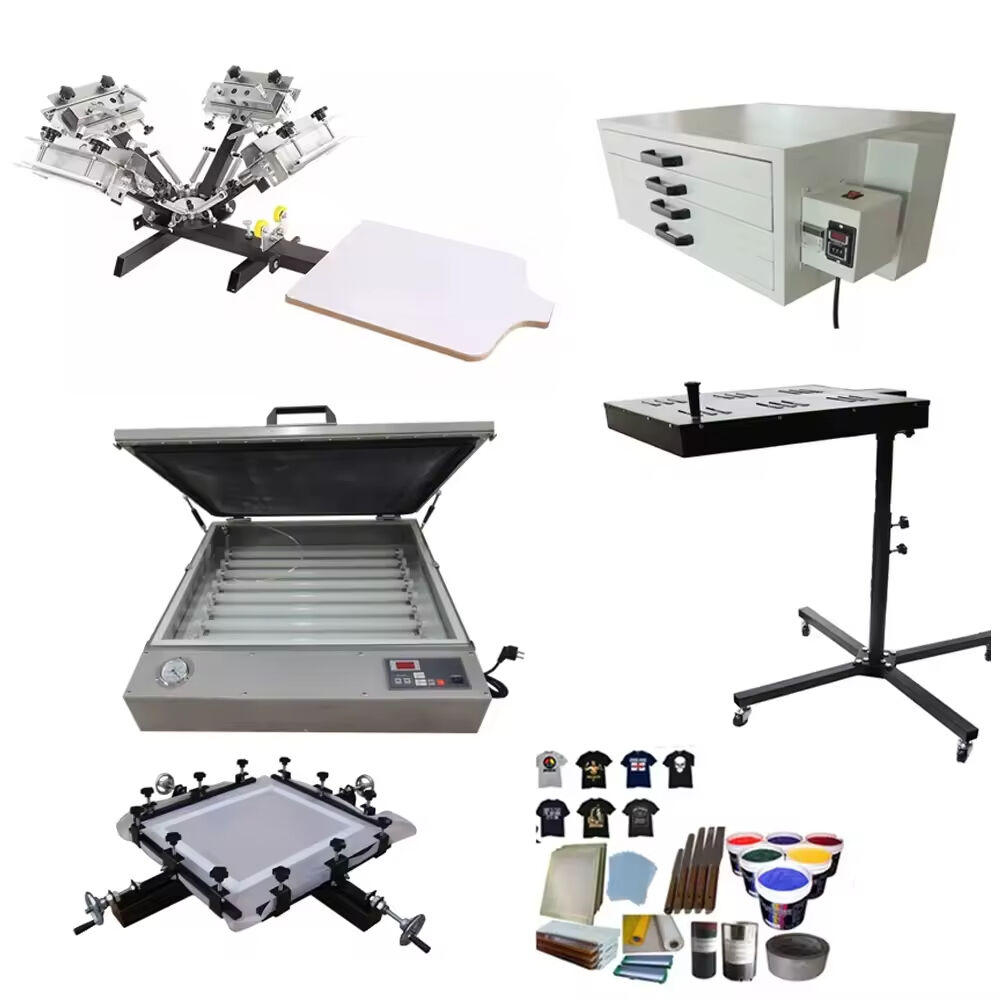
Screen printing operations depend heavily on the quality and condition of the printing machine screen used throughout the production process. Understanding when to replace these essential components can significantly impact print quality, operational efficiency, and overall production costs. Professional printers and hobbyists alike must recognize the telltale signs that indicate when their printing machine screen has reached the end of its useful lifespan and requires immediate replacement.
The frequency of printing machine screen replacement varies considerably based on multiple factors including usage intensity, substrate materials, ink types, and maintenance practices. High-volume commercial operations typically experience faster screen degradation compared to occasional hobby printing setups. Environmental conditions such as temperature fluctuations, humidity levels, and exposure to chemicals also play crucial roles in determining replacement intervals. Most professional screen printers establish systematic inspection schedules to monitor screen condition and prevent quality issues before they occur.
Key Factors Affecting Screen Replacement Frequency
Production Volume and Usage Intensity
Commercial printing facilities that operate multiple shifts daily will naturally require more frequent printing machine screen replacements than smaller operations. High-volume production creates constant stress on the mesh fibers, leading to gradual deterioration and eventual failure. Heavy-duty printing schedules can reduce screen lifespan from several months to just weeks, depending on the specific application requirements and quality standards maintained by the facility.
Production intensity also affects the rate of emulsion breakdown and mesh stretching. Continuous squeegee pressure during high-speed printing cycles gradually weakens the printing machine screen structure. Operators must carefully balance production demands with screen longevity by implementing proper tensioning techniques and regular maintenance protocols that extend usable screen life without compromising print quality.
Substrate Materials and Printing Applications
Different substrate materials create varying levels of abrasion and wear on the printing machine screen surface. Rough or textured materials such as certain fabrics, wood, or metal surfaces cause accelerated mesh degradation compared to smooth substrates like paper or plastic films. Abrasive materials gradually wear down individual mesh strands, creating weak points that eventually lead to screen failure and print defects.
Specialized printing applications such as ceramic glazes, glass enamels, or industrial coatings often contain particles that increase abrasive action on the printing machine screen. These demanding applications typically require more frequent screen replacements and may benefit from higher-grade mesh materials designed to withstand harsh operating conditions. Understanding substrate-specific wear patterns helps operators establish appropriate replacement schedules for different product lines.
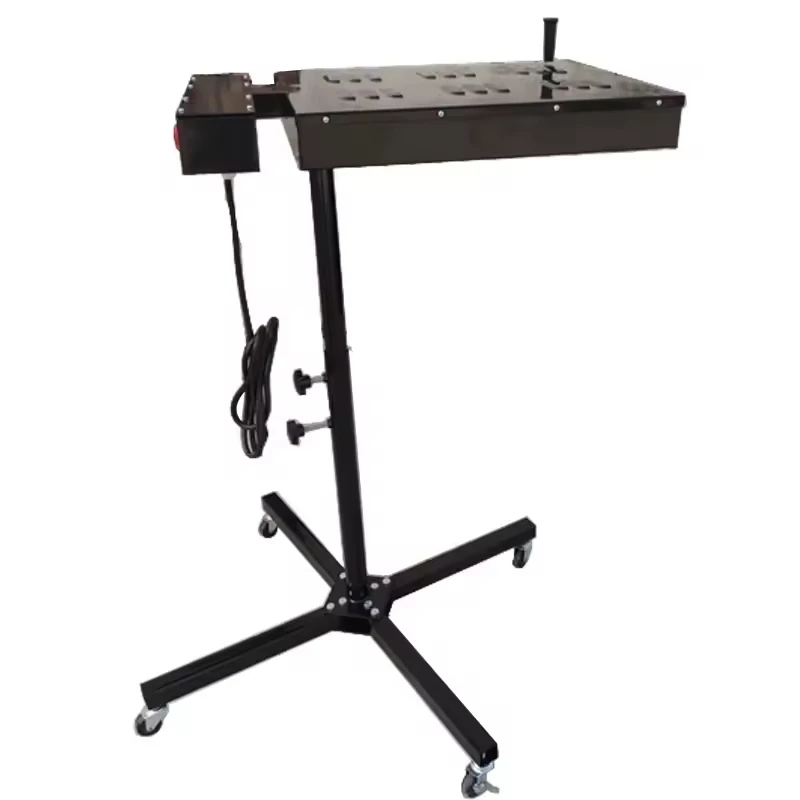
Visual Inspection Criteria for Screen Replacement
Mesh Condition Assessment
Regular visual inspection of the printing machine screen mesh reveals critical information about replacement timing. Operators should examine the mesh for broken strands, stretched areas, or permanent deformation that affects print registration. Even minor mesh damage can cause ink bleeding, reduced edge definition, or inconsistent coverage that compromises final print quality and customer satisfaction.
Mesh tension measurements provide objective data for replacement decisions beyond visual assessment alone. Professional screen printers use tension meters to monitor gradual tension loss over time, establishing baseline measurements for new screens and tracking degradation patterns. When mesh tension drops below acceptable thresholds, replacement becomes necessary regardless of visual appearance to maintain consistent print results.
Emulsion Integrity and Adhesion
The photoemulsion layer on a printing machine screen gradually deteriorates through repeated exposure to solvents, cleaning chemicals, and physical stress from printing operations. Signs of emulsion failure include edge lifting, cracking, or complete delamination from the mesh substrate. These conditions allow ink to pass through unintended areas, creating print defects that cannot be corrected through normal troubleshooting procedures.
Emulsion thickness variations and hardness changes also indicate replacement needs. Over time, repeated exposure to UV light, heat, and cleaning agents alters emulsion properties, affecting ink transfer characteristics and print consistency. When emulsion becomes too soft or brittle, the printing machine screen loses its ability to produce sharp, clean prints and must be replaced or reclaimed for optimal performance.
Performance-Based Replacement Indicators
Print Quality Deterioration
Declining print quality serves as the most reliable indicator for printing machine screen replacement in production environments. Common quality issues include decreased edge sharpness, inconsistent ink coverage, color bleeding between design elements, and registration problems that cannot be corrected through press adjustments. These symptoms typically indicate irreversible screen damage that requires immediate replacement to maintain production standards.
Ink deposit variations across the print area often signal uneven mesh conditions or emulsion problems that warrant screen replacement. Professional operators monitor ink consumption rates and coverage uniformity as early warning indicators of screen degradation. When printing machine screen performance falls below established quality thresholds, replacement prevents costly production delays and customer complaints.
Ink Transfer Efficiency
Changes in ink transfer characteristics provide valuable insights into printing machine screen condition and replacement timing. Screens nearing replacement often require increased squeegee pressure or additional print strokes to achieve adequate coverage, indicating reduced mesh openings or emulsion problems. These compensatory adjustments typically result in increased ink consumption and slower production speeds that offset any cost savings from delayed replacement.
Monitoring ink usage patterns helps establish data-driven replacement schedules based on actual performance metrics rather than arbitrary time intervals. Operators can track ink consumption per printed piece and identify gradual increases that indicate screen degradation. This analytical approach optimizes replacement timing to balance screen costs with production efficiency and quality requirements.
Industry Best Practices for Screen Management
Preventive Maintenance Programs
Implementing comprehensive preventive maintenance programs significantly extends printing machine screen lifespan and improves replacement predictability. Regular cleaning schedules using appropriate solvents and techniques prevent ink buildup and chemical damage that accelerates screen deterioration. Proper storage conditions protect unused screens from environmental factors that cause premature aging and reduced performance capabilities.
Documentation systems that track individual screen usage, maintenance history, and performance metrics enable more accurate replacement scheduling. Many professional operations maintain detailed logs recording print quantities, substrate types, and quality observations for each printing machine screen. This historical data helps identify patterns and optimize replacement intervals for different applications and operating conditions.
Quality Control Integration
Integrating screen condition assessments into routine quality control procedures ensures timely replacement before print defects occur. Regular inspection checkpoints during production runs allow operators to identify developing problems early and schedule replacements during planned downtime. This proactive approach minimizes production disruptions and maintains consistent output quality throughout the screen lifecycle.
Establishing quality thresholds and replacement triggers based on measurable criteria removes subjective decision-making from the replacement process. Clear guidelines for acceptable mesh tension, emulsion condition, and print quality parameters enable consistent replacement timing across different operators and production shifts. Standardized procedures ensure that printing machine screen replacement decisions support overall quality objectives and operational efficiency.
Cost Considerations and Economic Optimization
Replacement Cost Analysis
Analyzing the total cost of printing machine screen ownership helps optimize replacement timing for maximum economic benefit. Direct replacement costs include screen purchase price, setup time, and any production delays associated with changeover procedures. However, indirect costs such as increased ink consumption, quality defects, and customer complaints from delayed replacement often exceed the screen cost itself.
Calculating cost per impression or cost per production run provides valuable metrics for evaluating screen performance and determining optimal replacement intervals. Operations that track these financial indicators typically discover that timely replacement reduces total production costs despite higher screen consumption. This economic analysis supports investment in higher-quality screens that offer extended lifespan and better performance characteristics.
Inventory Management Strategies
Effective inventory management ensures replacement printing machine screen availability while minimizing carrying costs and obsolescence risks. Maintaining appropriate stock levels based on historical usage patterns and lead times prevents production delays when replacement becomes necessary. Strategic purchasing arrangements with suppliers can reduce unit costs and ensure consistent screen quality across replacement cycles.
Implementing just-in-time delivery systems for high-volume operations balances inventory costs with supply security. Regular communication with screen suppliers regarding usage forecasts and delivery schedules helps optimize inventory levels and reduces emergency replacement costs. This collaborative approach ensures printing machine screen availability while supporting overall operational efficiency and cost control objectives.
FAQ
How can I tell when my printing machine screen needs immediate replacement
Immediate replacement becomes necessary when you observe broken mesh strands, significant emulsion delamination, or print quality defects that cannot be corrected through normal press adjustments. Other critical indicators include mesh tension loss exceeding 20% of original values, visible holes or tears in the screen area, or ink bleeding that creates unacceptable print defects. These conditions compromise print quality and production efficiency, making replacement the only viable solution.
What is the typical lifespan of a commercial printing machine screen
Commercial printing machine screen lifespan varies significantly based on usage intensity and application requirements, typically ranging from 500 to 5000+ impressions. High-volume operations using abrasive inks or rough substrates may require replacement after just a few hundred prints, while gentle applications on smooth materials can extend screen life to several thousand impressions. Environmental conditions, maintenance practices, and quality standards also significantly influence actual replacement intervals.
Can damaged screens be repaired instead of replaced
Minor screen damage such as small pinholes or localized emulsion problems can often be repaired using blockout compounds or emulsion patches. However, extensive damage including broken mesh strands, large tears, or widespread emulsion failure typically requires complete replacement for reliable results. Screen reclamation and recoating may be cost-effective for reusable frames, but the mesh itself cannot be repaired once structural damage occurs.
How does screen mesh count affect replacement frequency
Higher mesh count screens generally require more frequent replacement due to finer mesh strands that are more susceptible to damage and clogging. Low mesh count screens used for bold graphics and heavy ink deposits typically last longer than fine mesh screens used for detailed halftones or thin ink films. The printing machine screen mesh selection should balance image quality requirements with expected lifespan and replacement costs for optimal operational efficiency.